
Download Uninstalr – uninstaller, complete removal, registry cleanup, system optimization, Windows tool
Overview
Uninstalr is a specialized utility designed for Windows users seeking a thorough and reliable method to remove installed applications. Unlike conventional uninstallers that may leave behind residual files, registry entries, or configuration data, Uninstalr focuses on complete program removal, ensuring a clean and optimized system environment. The app targets individuals who value system performance, digital hygiene, and long-term PC maintenance. Whether managing a personal computer or maintaining multiple systems in a professional setting, Uninstalr provides a streamlined solution to declutter and enhance operational efficiency.
Developed by Uninstalr LLC, the tool positions itself as a dedicated system optimization utility within the Windows ecosystem. Its primary function is to eliminate software completely, addressing a common pain point where standard uninstall processes fail to remove all traces of an application. This is particularly useful for users who frequently install and uninstall software, manage development environments, or maintain older systems with accumulated digital clutter.
Real-world use cases include preparing a system for resale, freeing up disk space, resolving software conflicts, or restoring system stability after problematic installations. By removing every component associated with a program, Uninstalr contributes to improved system responsiveness and reduced risk of registry bloat. The app fills a niche in the utility category by offering a more aggressive and comprehensive uninstallation approach than built-in Windows tools.
Key Features & Functionality
- Complete Program Removal: Uninstalr ensures that all components of an application are deleted, including main program files, associated libraries, configuration folders, and registry keys. This prevents lingering data from affecting future installations or system stability.
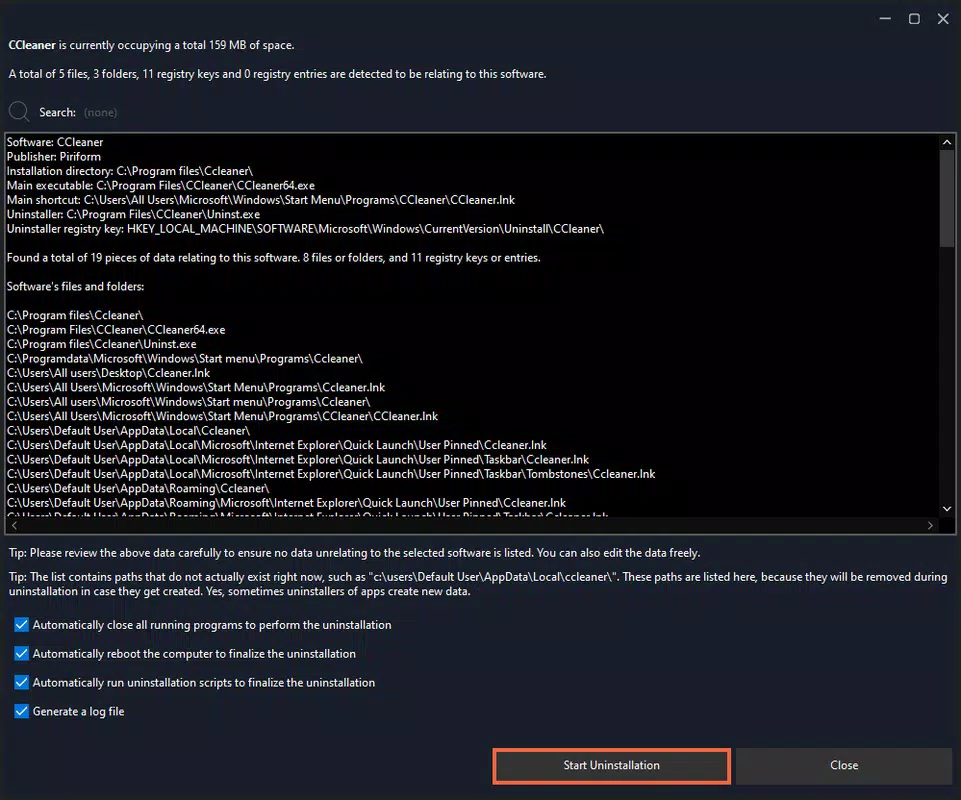
- Residual File Cleaning: The tool actively scans for leftover files and folders that standard uninstallers often overlook. These remnants, which can accumulate over time, are identified and removed to maintain a lean system structure.
- Thorough System Analysis: Before and after uninstallation, Uninstalr performs comprehensive scans of the system. This dual-scan mechanism helps verify that no files or registry entries related to the removed program remain undetected.
- Multi-Location Compatibility: Uninstalr detects applications installed in non-standard directories, including secondary drives, external storage, or custom paths. This ensures that no program is missed due to an unconventional installation location.
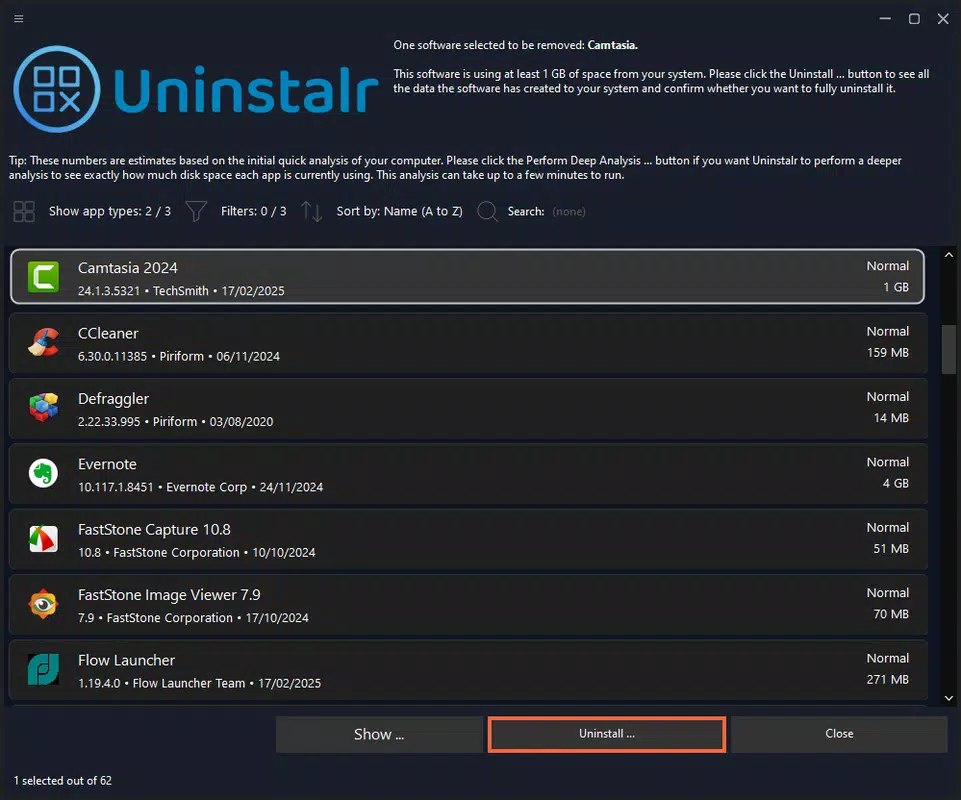
- User-Friendly Interface: Designed with accessibility in mind, the interface allows users to browse installed programs, select targets, and initiate full removal with minimal clicks. Even users with limited technical experience can navigate the tool effectively.
For example, a user installing a development suite may find that leftover configuration files interfere with new installations. Uninstalr can identify and remove these traces, ensuring a clean slate. Similarly, a user preparing a computer for resale can use the tool to eliminate all software traces, protecting privacy and improving performance.
Interface, UX & Performance
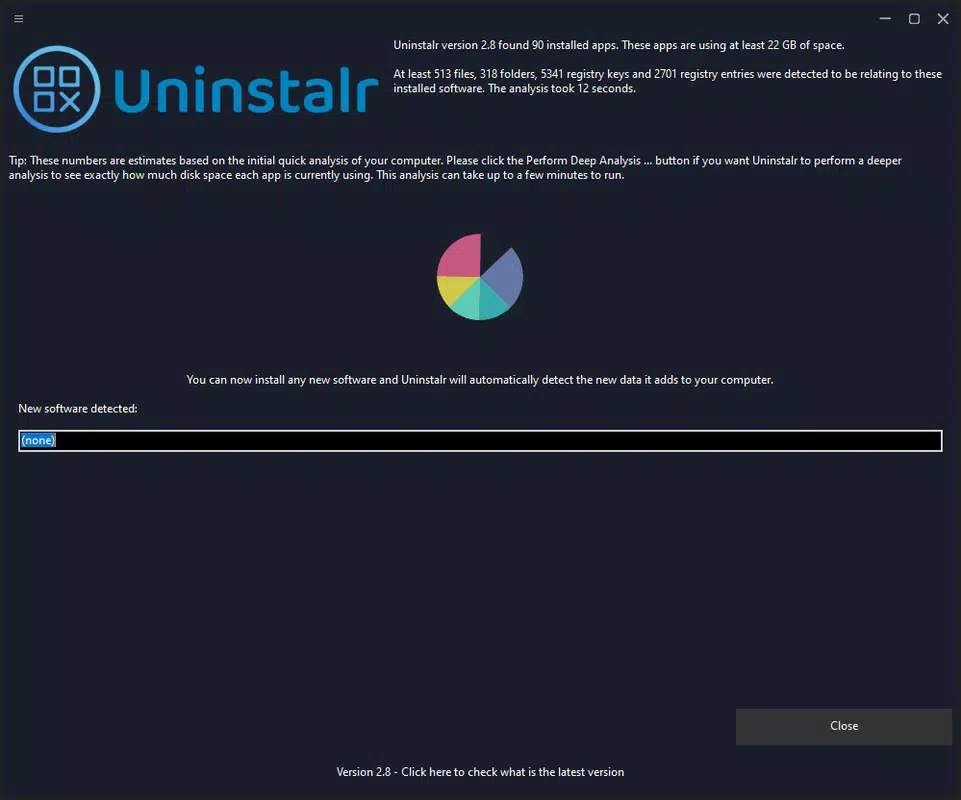
Uninstalr presents a clean, minimal interface that prioritizes clarity and ease of use. The main screen displays a list of installed applications, organized alphabetically or by installation date, with clear indicators for each program’s size and installation path. Navigation is straightforward, relying on standard Windows UI conventions, which reduces the learning curve for new users.
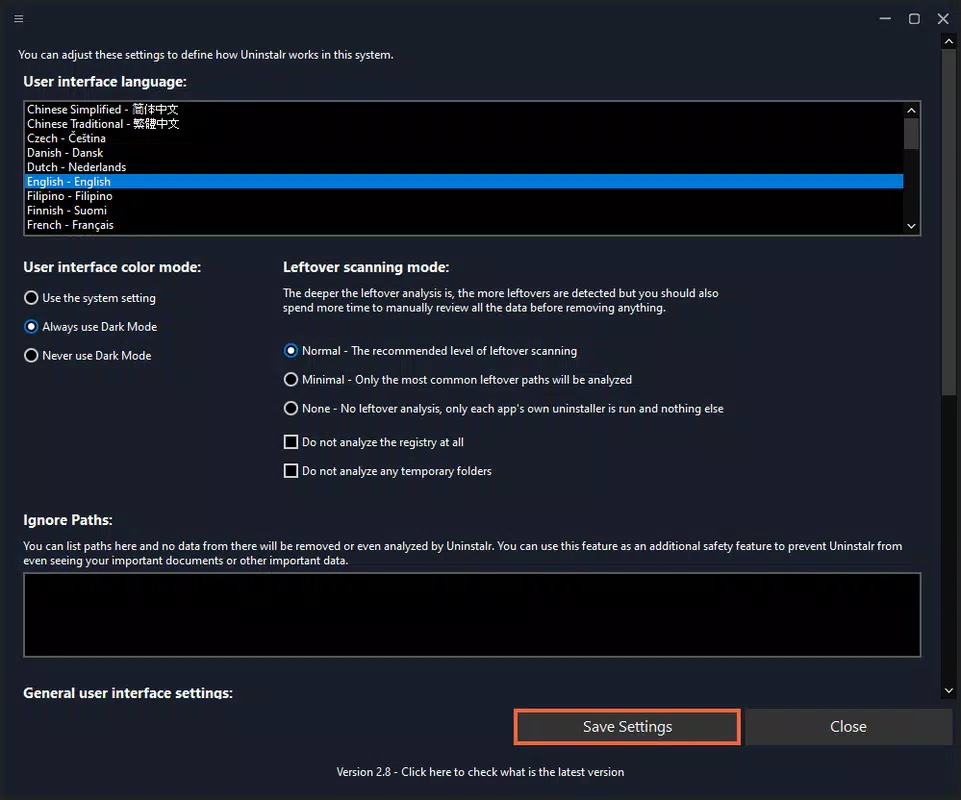
The visual design is functional rather than flashy, focusing on readability and task efficiency. Buttons for scanning, selecting programs, and initiating removal are clearly labeled and positioned for intuitive access. The tool does not overwhelm users with excessive options or technical jargon, making it accessible to both novice and intermediate users.
Although the developer did not list formal performance metrics, the app’s 12.5 MB size suggests a lightweight footprint. It is expected to operate efficiently on a range of Windows devices, from entry-level systems to high-performance machines. Responsiveness appears consistent during scanning and removal processes, with no reported lag or crashes in the provided information.
Stability is a key strength, especially given the tool’s deep system access. The absence of reported errors or conflicts indicates that Uninstalr is well-integrated with the Windows environment. Users can expect consistent behavior across different system states, including during high-load scenarios.
Platform Compatibility & Technical Requirements
Uninstalr is designed exclusively for the Windows operating system. The app is compatible with Windows platforms released after the initial release of Windows 10, though specific version requirements were not listed by the developer. The file size is 12.5 MB, indicating a compact and efficient installation package.
Compatibility information was not fully disclosed, so users should verify whether their system meets the minimum OS requirements. The developer did not specify whether the tool supports Windows 11, Windows 10, or older versions like Windows 8.1. However, given its nature as a system-level utility, it likely requires administrative privileges to function properly.
Users should ensure they are running a supported Windows version and have sufficient permissions to modify system files and registry entries. No additional dependencies or third-party software are mentioned, suggesting a standalone installation.
Pros and Cons
Pros
- Comprehensive removal of programs, including hidden files and registry entries.
- Effective at cleaning residual data often missed by standard uninstallers.
- Supports applications installed in non-standard or external locations.
- Simple, intuitive interface suitable for users of all skill levels.
- Lightweight size (12.5 MB) with minimal system impact.
Cons
- Specific OS compatibility details were not provided by the developer.
- Price point of $1.99 may be considered high for a single-purpose tool.
- No public information on update frequency or developer support channels.
- Users must manually initiate scans and removals without automated scheduling.
- Not available on non-Windows platforms such as macOS or Linux.
FAQ
Is Uninstalr safe to use on my Windows system?
Yes, Uninstalr is designed to operate within the Windows environment and is intended to remove only files and registry entries associated with installed programs. It does not modify system-critical components unless explicitly targeted by the user.
Can I use Uninstalr to remove system apps?
Uninstalr is intended for third-party applications. Removing built-in Windows system apps may require additional steps or is not recommended, as it could affect system stability.
Does Uninstalr require admin rights to run?
Yes, administrative privileges are necessary to access system files and registry entries. Without them, the tool may not function correctly.
How often should I run Uninstalr?
There is no fixed schedule. Users may run it after uninstalling software, during system cleanup, or when experiencing performance issues. It is best used proactively during regular maintenance.
Is Uninstalr available for mobile devices?
No, Uninstalr is a Windows-only application and is not available for Android or iOS devices.
Final Thoughts
Uninstalr stands out as a focused and effective solution for users seeking complete control over their software installations on Windows. Its ability to identify and remove residual files, combined with a user-friendly interface, makes it a valuable tool for maintaining system health and performance. While the $1.99 price may deter some, the depth of functionality justifies the cost for users who prioritize a clean, optimized system.
It is particularly beneficial for power users, IT professionals, and anyone preparing a PC for resale or major upgrades. The app’s emphasis on thoroughness and reliability fills a gap left by standard uninstallation tools. Although some technical details remain unspecified, the core functionality is clear and well-executed.
For those looking to declutter their Windows environment and ensure no trace of unwanted software remains, Uninstalr delivers a reliable and efficient experience. Its lightweight design and intuitive workflow further enhance its appeal.
Download Uninstalr now


